Woodlands & Tuas Checkpoint Traffic Cameras (Live)
Live LTA camera images of the Causeway, Woodlands Checkpoint, the Second Link and Tuas Checkpoint, refreshed about every minute.
Images refresh automatically every minute.
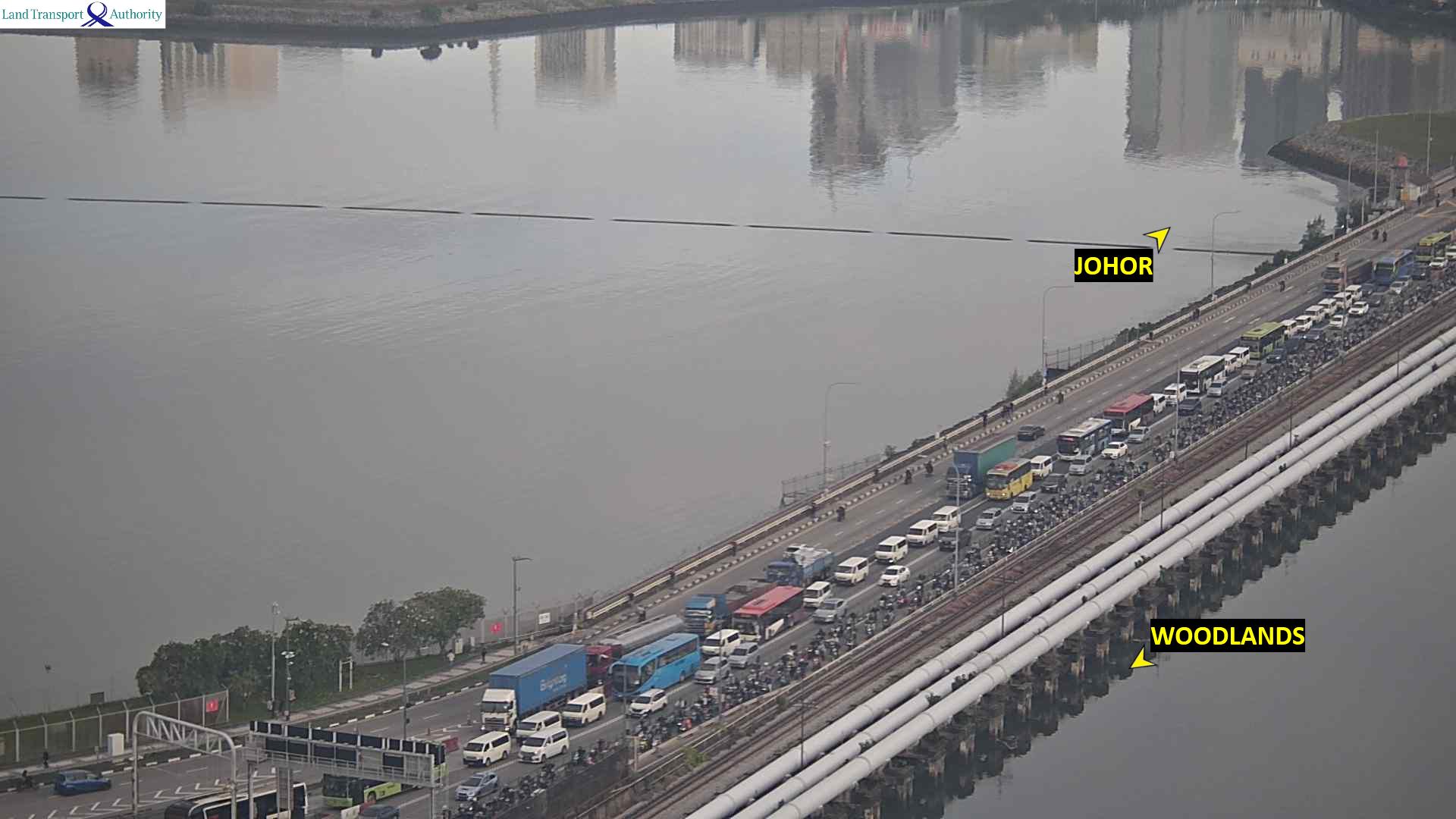
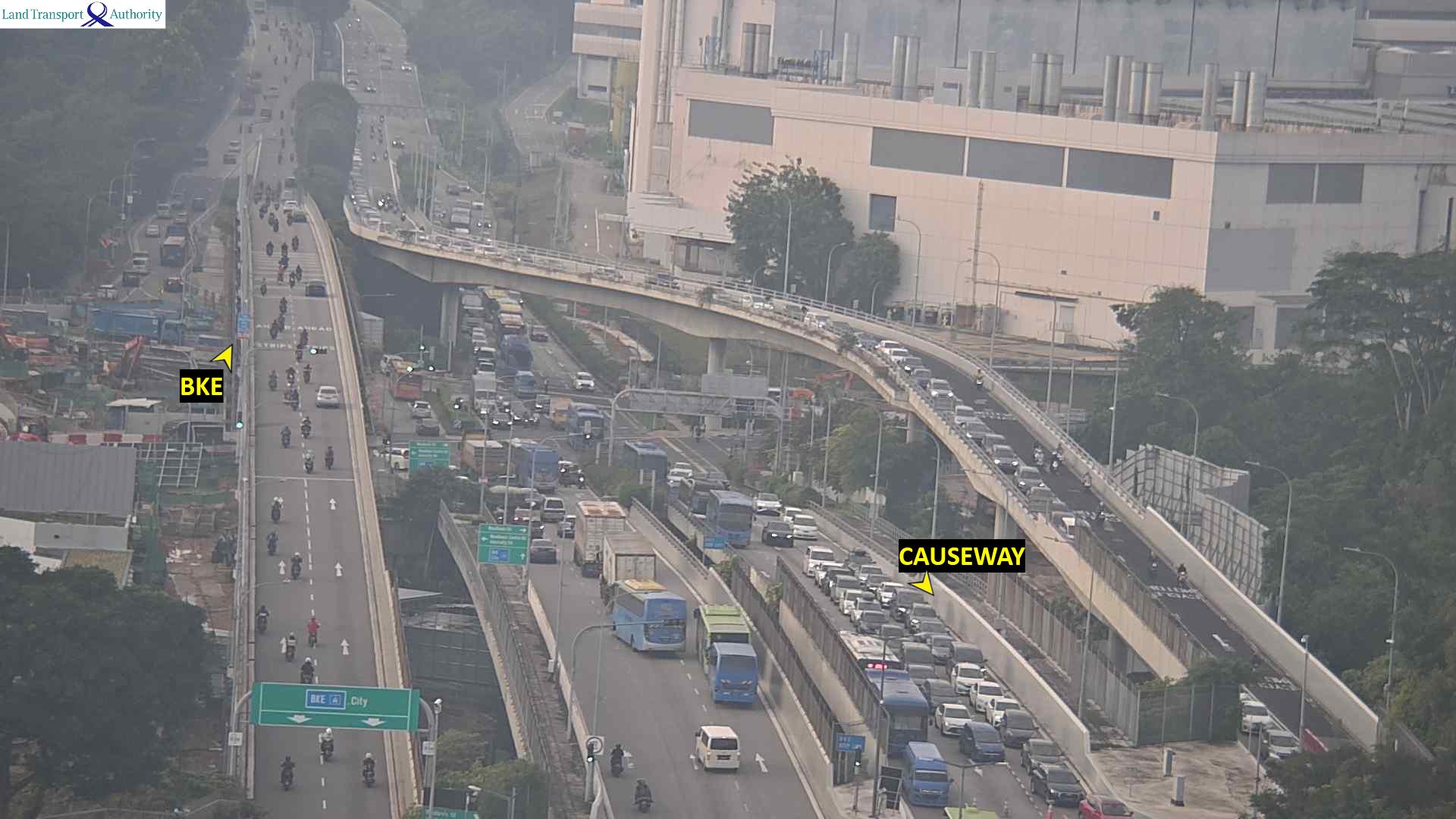
Woodlands (Causeway)
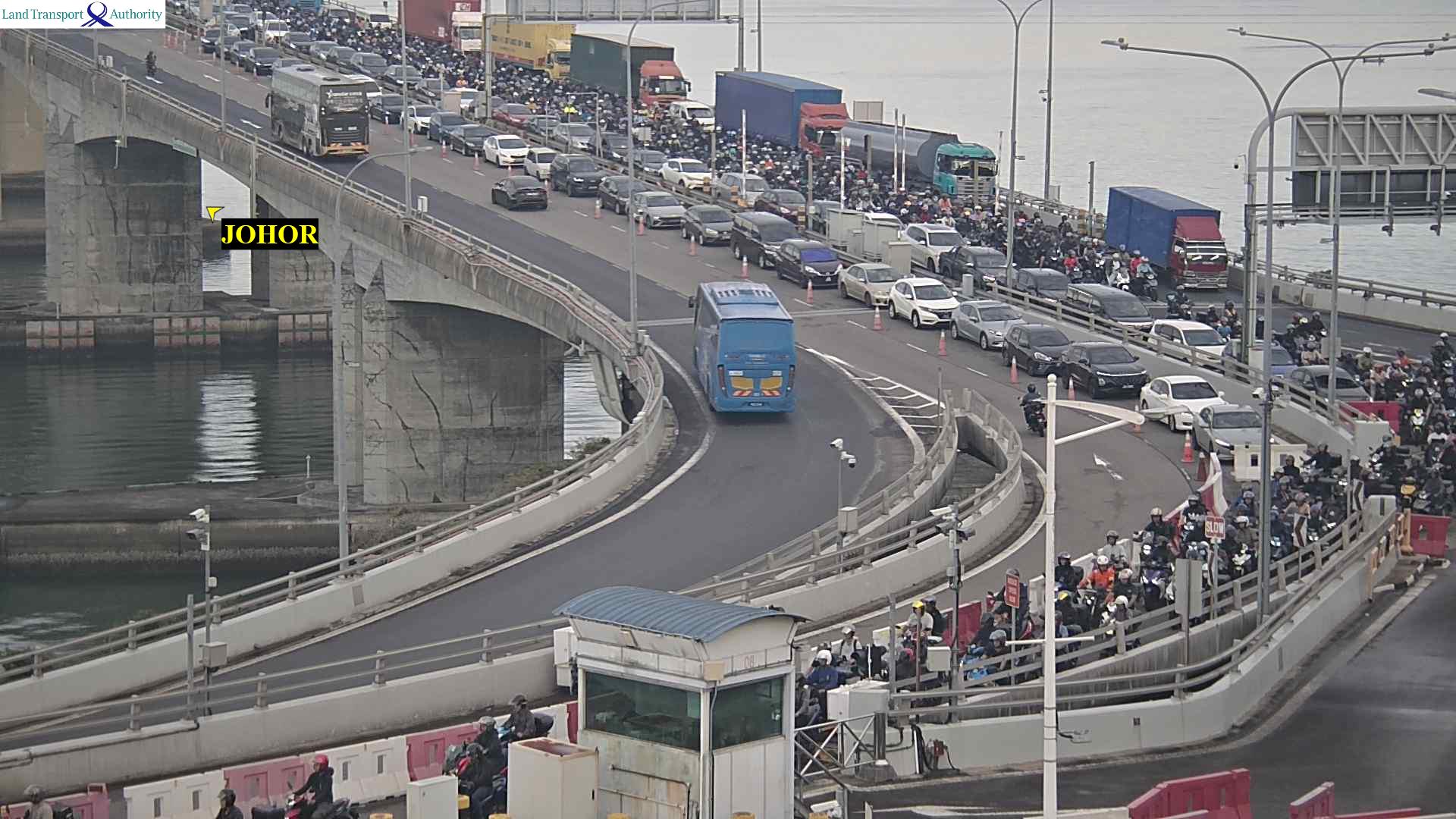
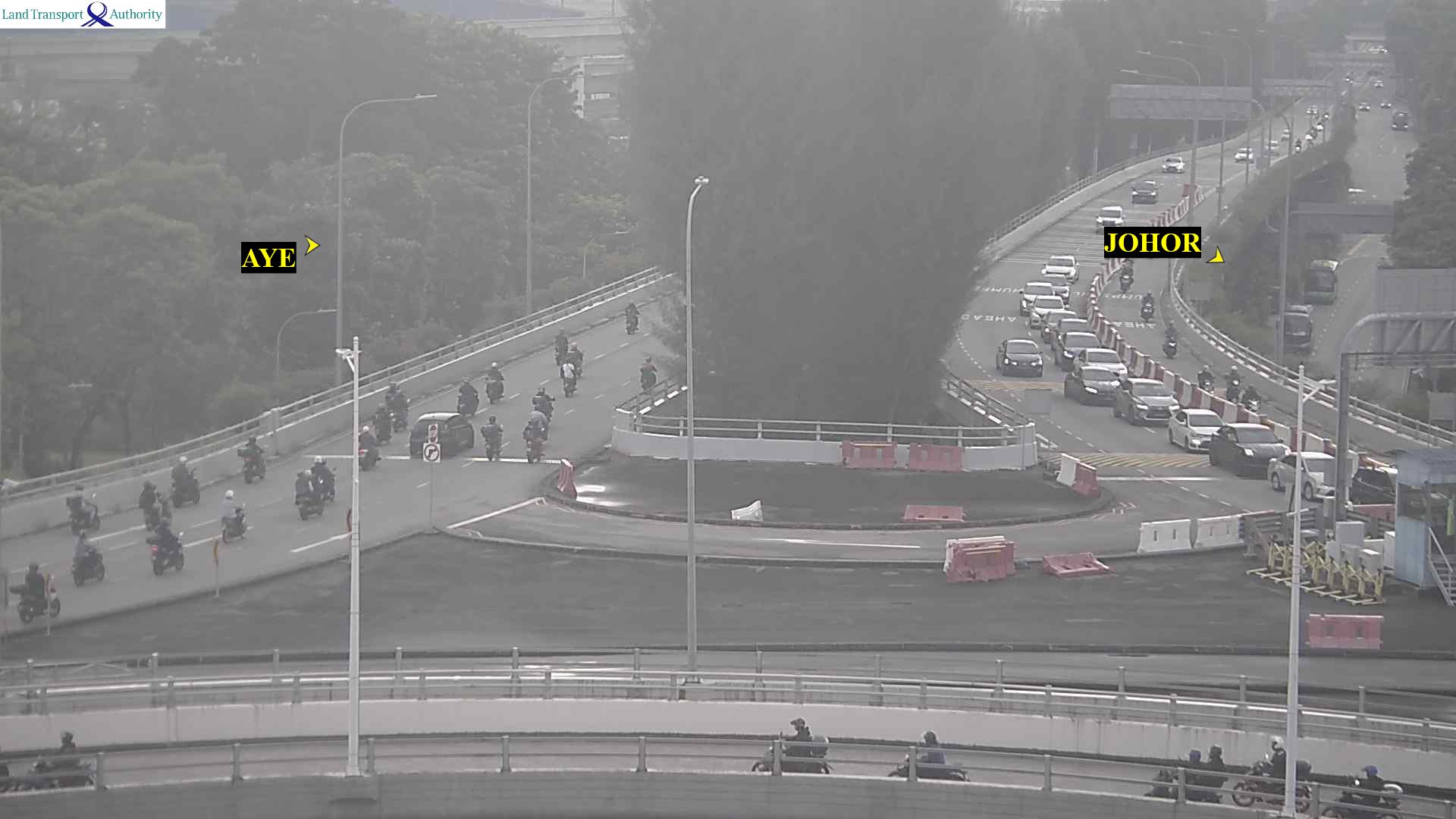
Tuas (Second Link)
These are road images, not a waiting time. This page does not estimate how long the crossing takes.
In-depth guide
Checking the Causeway and Second Link before you drive: what the LTA cameras show
Which LTA traffic cameras cover Singapore's two land crossings to Johor, how fresh the images are, and what they cannot tell you.
Key figures at a glance
- Cameras shown
- 4: Woodlands Causeway, Woodlands Checkpoint, Tuas Second Link, Tuas Checkpoint
- LTA camera ids 2701, 2702, 4703 and 4713.
- Source: data.gov.sg
- How long this site keeps an image before asking again
- 60 seconds
- LTA refreshes its camera images about once a minute.
- Source: data.gov.sg
- Who runs the cameras
- Land Transport Authority (LTA)
- Images are published through the Traffic Images feed.
- Source: data.gov.sg
The two crossings
Singapore has two road crossings to Johor. The Causeway runs from Woodlands to Johor Bahru and is the shorter route for most of the island. The Second Link runs from Tuas to Tanjung Kupang and is usually the alternative when the Causeway is jammed.
What the cameras show
| Crossing | On the bridge | At the checkpoint |
|---|---|---|
| Woodlands | Woodlands Causeway | Woodlands Checkpoint |
| Tuas | Tuas Second Link | Tuas Checkpoint |
All four are Land Transport Authority cameras on the Singapore side. Each image is published with the time it was captured, which this page shows under the image.
How fresh the images are
LTA refreshes its camera images about once a minute. This site asks for new images at most once every 60 seconds and shows the capture time, so you can tell an old image from a current one. If the feed stops responding, the page says so and keeps the last images it received for up to 30 minutes.
Reading an image
- Vehicles stationary across every lane on the bridge usually mean a long queue into the checkpoint.
- A clear bridge with a full checkpoint approach means the queue is short but clearance is slow.
- Compare both crossings at the same moment; conditions on one do not predict the other.
What this guide does not cover
The cameras do not show the Malaysian checkpoints or roads in Johor, and an image is not a waiting time: nothing on this page estimates how long the crossing takes. For what you can bring back without paying GST, see the traveller allowance checker; foreign-registered vehicles can check the ERP 2 flat fee.
Frequently asked questions
How often are the checkpoint camera images updated?
LTA refreshes its traffic camera images about once a minute. This page asks for new images every 60 seconds and shows the capture time under each one.
Which cameras does this page show?
Four LTA cameras: Woodlands Causeway, Woodlands Checkpoint, Tuas Second Link and Tuas Checkpoint.
Does it show how long the jam is?
No. The images show the road at that moment. The page does not estimate a waiting or clearance time.
Can I see the Johor side?
No. These are LTA cameras on the Singapore side of both crossings.
Where do the images come from?
From the Land Transport Authority’s Traffic Images feed on data.gov.sg.
Sources
- data.gov.sg — Traffic Images (Land Transport Authority) — The feed the images, capture times and camera coordinates come from.
- LTA OneMotoring — Traffic cameras — LTA's own page for the same cameras.
This guide explains published rules in plain language. It is not financial, legal or official advice — rules change, so confirm with the agency linked above before you commit.
The link reopens this page with the numbers you entered. They stay in the link and are not sent to ToolSG.
Embed this tool on your website
Free to use. Paste this code into your page and keep the link back to ToolSG.